Track WhatsApp Conversions with Facebook CAPI | Nextel
How to Connect Facebook Conversions API to WhatsApp Chatflows Using Nextel
Running Facebook or Instagram ads is only half the equation. The real challenge is helping Meta understand what happens after someone starts a WhatsApp conversation.
For many businesses, the customer journey doesn't end on a landing page—it begins in WhatsApp. Leads ask questions, book appointments, confirm orders, and complete payments without ever visiting a website.
If Meta can't see these actions, it optimises your campaigns using incomplete data.
That's exactly what Facebook Conversions API (CAPI) solves.
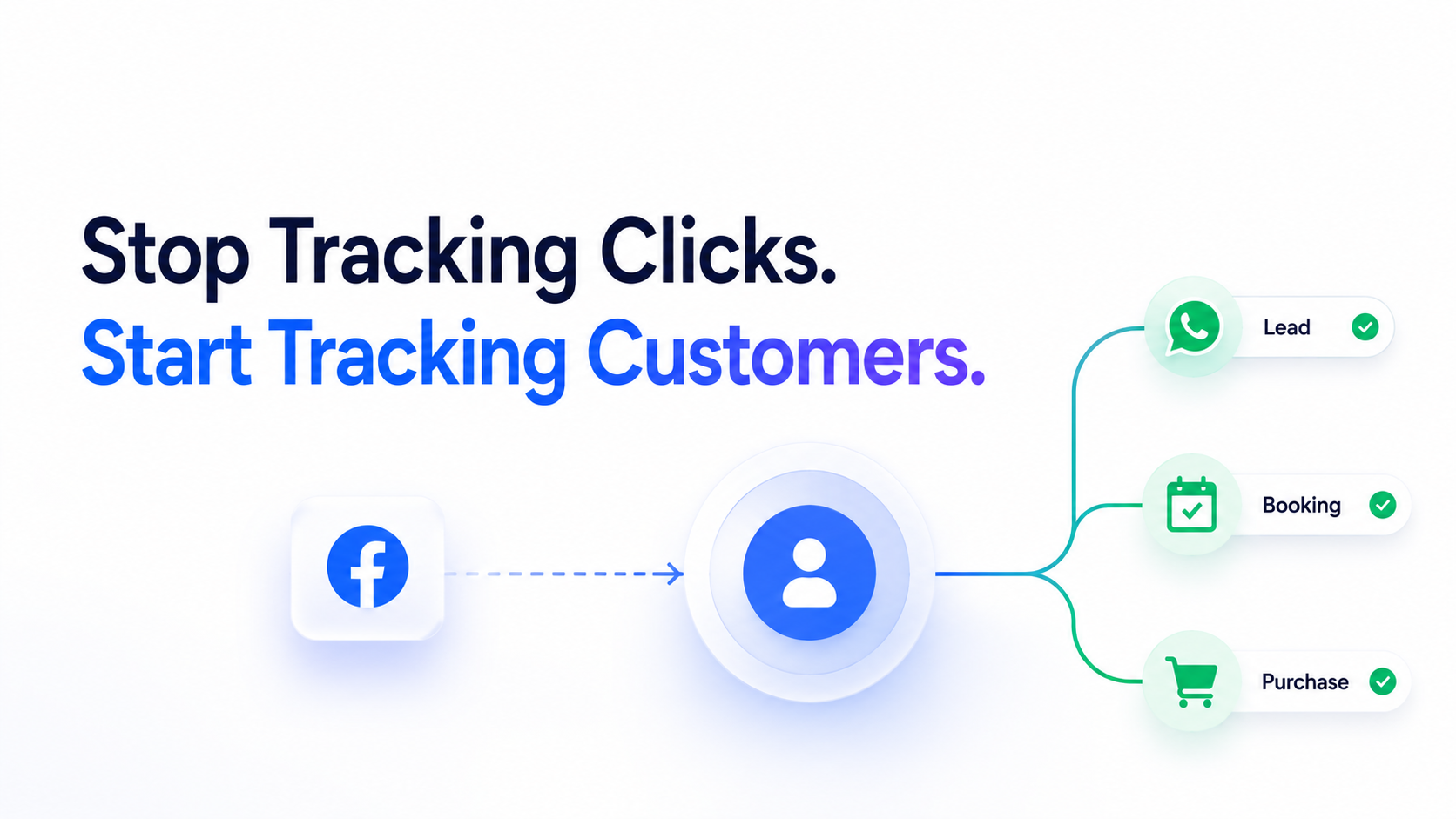
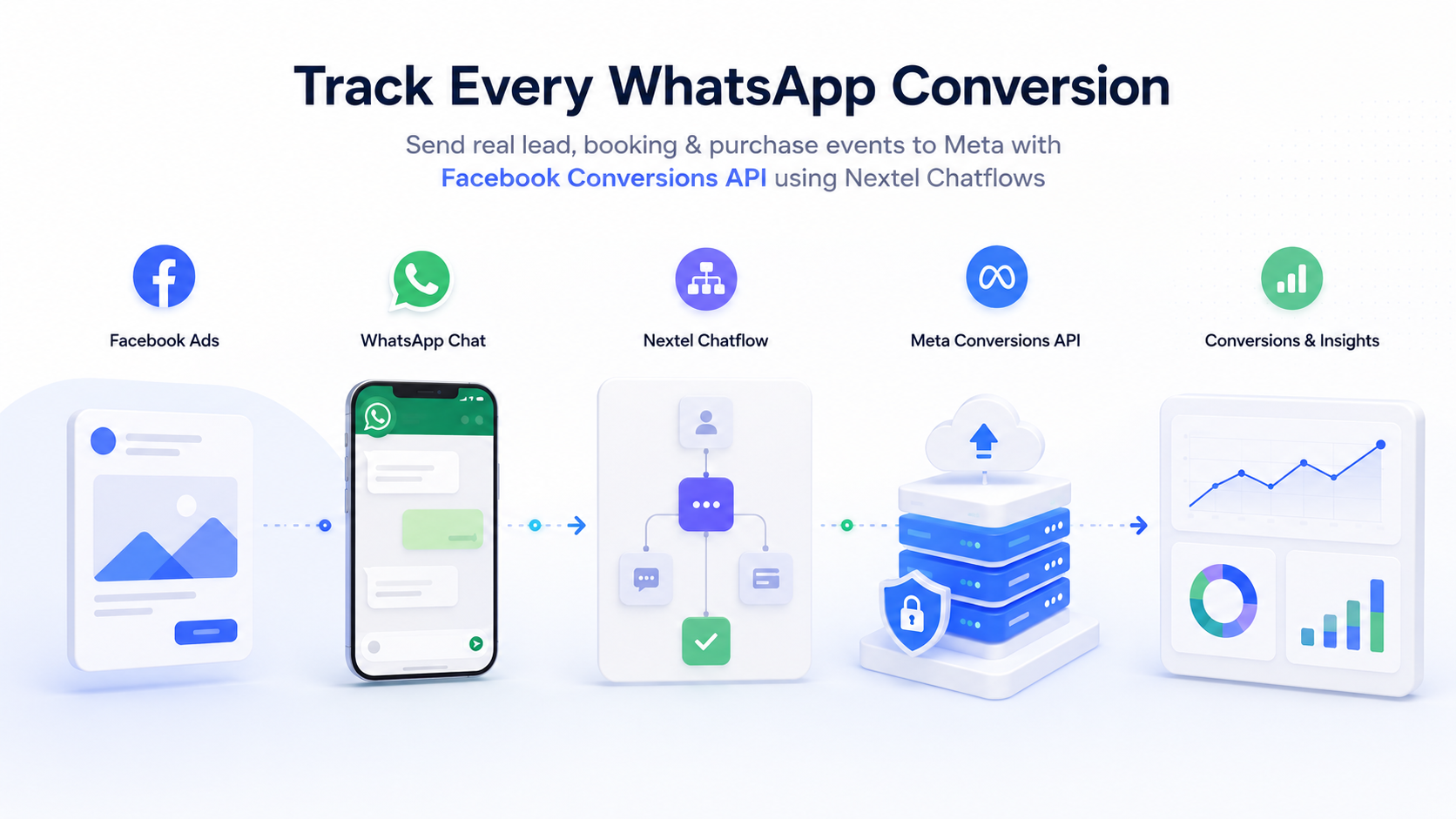
With Nextel's native Facebook Conversions API Node, you can send real conversion events directly from your WhatsApp chatflows to Meta, helping its algorithm optimise for customers - not just clicks.
Why Browser Pixels Are No Longer Enough
Most businesses still rely on the Meta Pixel to measure conversions.
The problem?
A browser pixel only tracks activity that happens on a website.
If your customer:
Clicks your Facebook ad
Opens WhatsApp
Talks to your team or AI
Books an appointment
Pays inside WhatsApp
…the Pixel never sees those important actions.
Privacy restrictions, ad blockers, and browser limitations make browser-based tracking even less reliable.
As a result, Meta often optimises campaigns using incomplete conversion signals, increasing your cost per lead while reducing targeting accuracy.
What Is Facebook Conversions API?
Facebook Conversions API (CAPI) is Meta's server-to-server tracking solution.
Instead of depending on a visitor's browser, conversion events are sent directly from your server to Meta.
This creates far more reliable tracking because events aren't affected by browser privacy settings or ad blockers.
Using CAPI, Meta can accurately understand when someone becomes a:
Qualified Lead
Confirmed Booking
Registered User
Paying Customer
Rather than optimising for people who simply click an ad, Meta starts finding people who actually convert.
Why CAPI Is Essential for WhatsApp Businesses
Today, thousands of Indian businesses use WhatsApp as their primary sales channel.
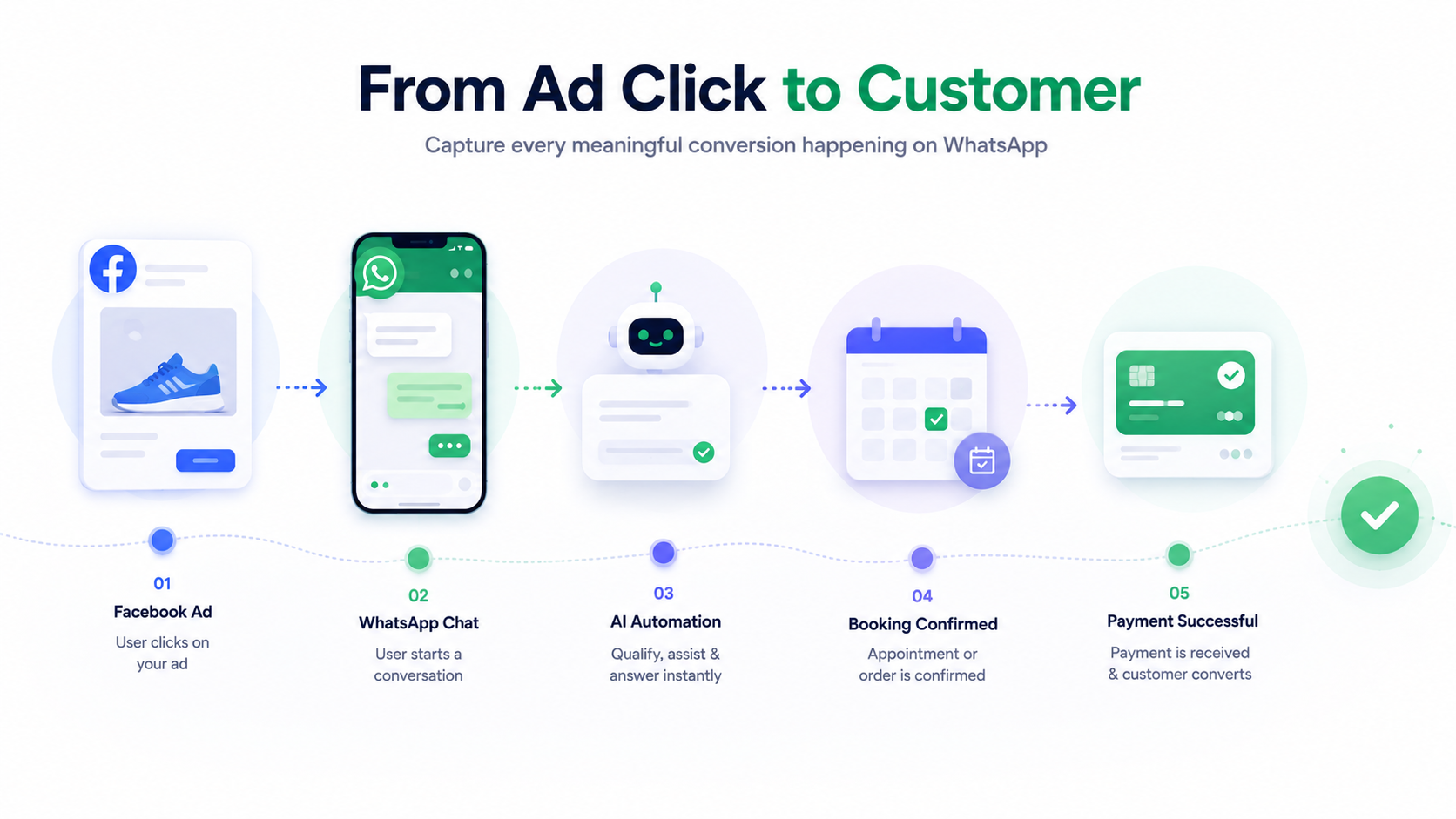
A typical customer journey looks like this:
Customer clicks a Facebook or Instagram ad.
WhatsApp opens automatically.
Customer chats with your business.
They qualify as a lead.
They book a consultation or place an order.
Payment is completed.
Without Conversions API, Meta only records the first click.
Everything that happens afterwards remains invisible.
That means:
Meta doesn't know which ads generate paying customers.
Campaign optimisation becomes weaker.
Cost per qualified lead increases.
Lookalike audiences become less accurate.
By sending these milestones through CAPI, Meta gains complete visibility into your funnel and continuously improves campaign performance.
How Nextel Makes Facebook Conversions API Easy
Instead of writing server-side code or integrating APIs manually, Nextel includes a dedicated Facebook Conversions API Node inside its Chatflow Builder.
Simply place the node wherever an important business event occurs, and Nextel automatically sends that event to Meta.
No complex development required.
Step-by-Step: Connect Facebook Conversions API to Your WhatsApp Chatflow
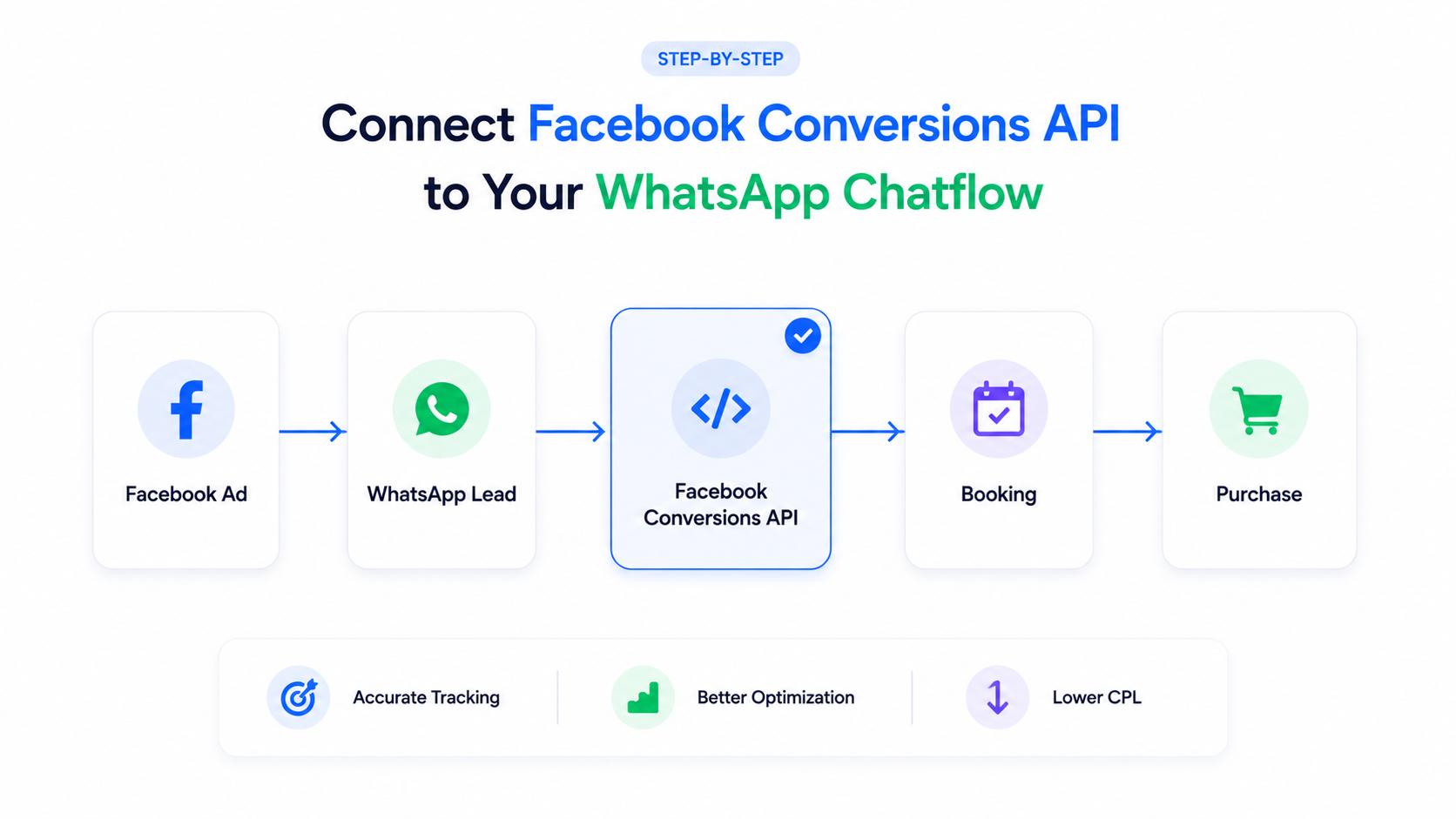
Step 1: Open Your Chatflow
Open the chatflow where your leads are being handled inside the Nextel Chatflow Builder.
This could be your:
Lead qualification flow
Appointment booking flow
Sales automation flow
Customer onboarding flow
Step 2: Add the Facebook Conversions API Node
From the list of available nodes, drag the Facebook Conversions API node into your workflow.
Place it immediately after the business milestone you want to track.
Examples include:
Lead qualified
Appointment booked
Payment confirmed
Order completed
Step 3: Configure the Event
Inside the node, enter your Meta credentials and event details.
You'll configure:
Event Name
Meta Pixel ID
Access Token
Event Value (optional)
Currency (optional)
Common event names include:
Lead
CompleteRegistration
Purchase
Step 4: Publish the Chatflow
Once configured, save your changes and publish the chatflow.
From that moment onward, every conversation reaching this node automatically sends a conversion event to Meta.
Step 5: Verify the Events
Open Facebook Events Manager and navigate to Test Events.
Complete a sample WhatsApp conversation and verify that your event appears successfully.
If the event is visible there, your integration is working correctly.
Track Multiple Conversion Events in One Funnel
One of the biggest advantages of Nextel's Chatflow Builder is that you aren't limited to a single conversion event.
You can add multiple CAPI nodes throughout your automation.
For example:
Funnel Stage | Event Sent to Meta |
|---|---|
Customer qualifies | Lead |
Appointment confirmed | CompleteRegistration |
Payment received | Purchase |
This creates a complete picture of your customer journey.
Instead of seeing only one conversion, Meta understands every important stage, allowing it to optimise campaigns much more intelligently over time.
What Happens After You Enable CAPI?
Like any optimisation signal, Meta requires a learning period.
Most businesses should expect:
Around 1–2 weeks of learning
At least 50 conversion events for stable optimisation
Once enough data has been collected, you'll typically notice:
Lower Cost Per Qualified Lead
Better-performing Lookalike Audiences
More accurate campaign attribution
Improved ad delivery
Higher-quality leads reaching WhatsApp
The more meaningful conversion events you send, the smarter Meta's optimisation becomes.
Best Practices for Maximum Results
To get the most from Facebook Conversions API:
Send meaningful business events instead of every interaction.
Track qualified leads rather than every WhatsApp message.
Add separate events for bookings and purchases.
Keep event names consistent with Meta's standard events.
Regularly monitor Events Manager for successful event delivery.
Following these practices ensures Meta receives clean, high-quality conversion data that improves campaign performance.
Final Thoughts
If your sales happen on WhatsApp, relying only on the Meta Pixel means you're leaving valuable conversion data behind.
By connecting Facebook Conversions API to your Nextel Chatflows, every qualified lead, booking, and purchase becomes a measurable event.
That gives Meta the information it needs to optimise for real business outcomes—not just clicks.
Whether you're generating leads, booking appointments, or closing sales inside WhatsApp, Nextel's native Facebook Conversions API Node helps turn your conversations into actionable conversion signals that improve advertising performance over time.
Start using the Facebook Conversions API Node in Nextel's Chatflow Builder and give your Meta campaigns the complete data they need to scale smarter.